
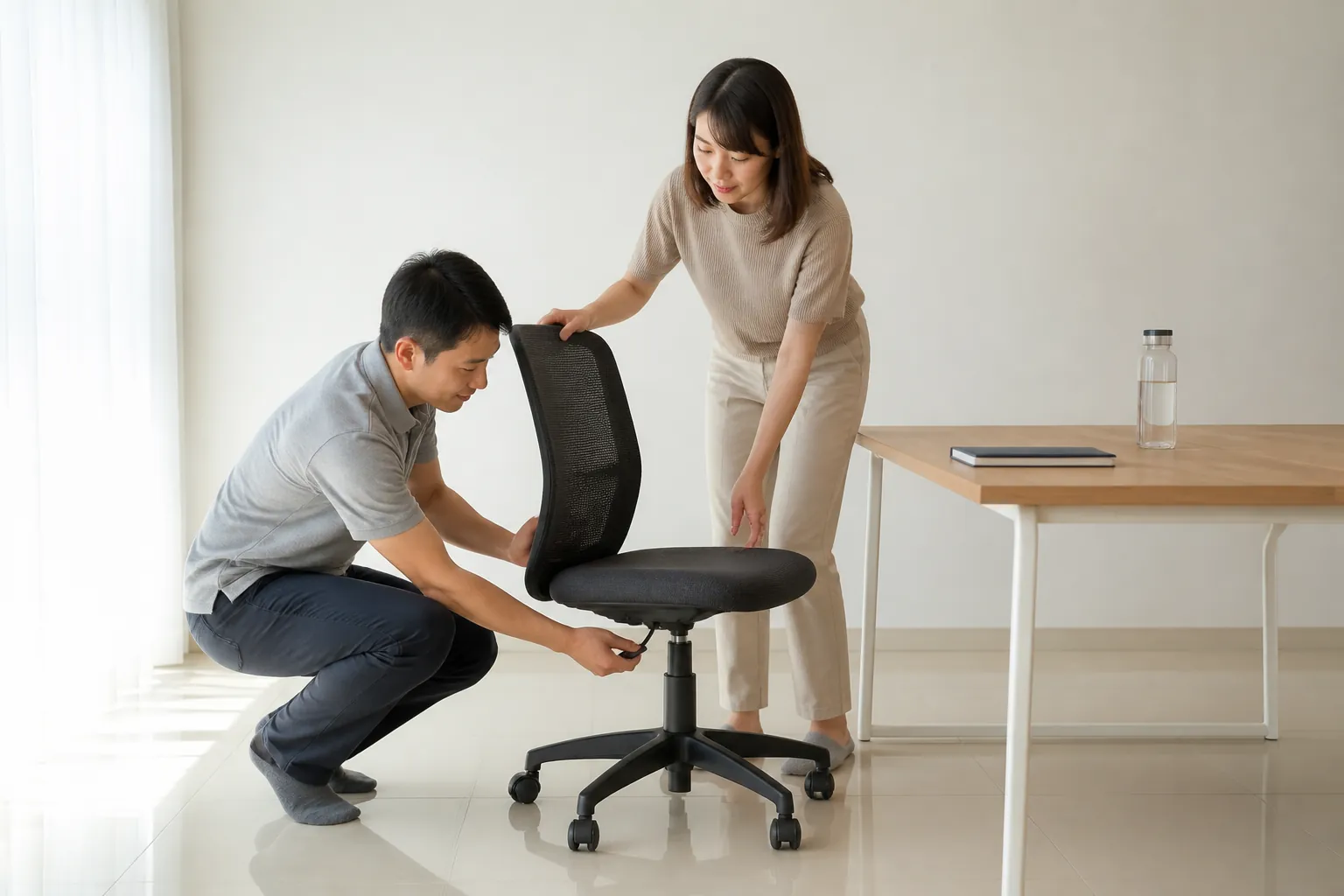
The 10-step setup
Walk through this in order. Stopping after three steps is the most common reason workstations stay painful. The whole set takes 15 minutes and pays back in fewer hospital visits and a lot less neck pain.
1. Chair height
Sit down. Feet flat on the floor. Knees bent at 90 degrees. Thighs parallel to the floor. If your feet dangle, lower the chair; if your knees rise above your hips, raise it. No footrest is needed when the chair is set correctly.
2. Seat depth
You should be able to fit two to three fingers between the back of your knees and the front of the seat. If the seat is too deep, slide a small cushion behind your lower back.
3. Backrest and lumbar support
Recline slightly (100 to 110 degrees). The small of your back must press against the chair's lumbar curve. If the chair has no lumbar support, roll a towel and place it at belt level.
4. Elbow and forearm position
Elbows bent at 90 degrees, upper arms relaxed straight down, wrists straight when fingers rest on the keyboard home row. If shoulders creep up, the desk is too high.
5. Desk height
With the chair set correctly (step 1), the desk should meet your elbows at their natural height. Ideal desk height for a 170cm adult is 70 to 72cm. Standing desks should rise to elbow height when standing upright.
6. Monitor distance
Arm's length away, about 50 to 70 cm from your eyes. If you lean forward to read, move the monitor closer; if you squint, enlarge the font rather than moving in.
7. Monitor height
Top of the screen at or slightly below your eye line when sitting upright looking straight ahead. Wearing bifocals? Drop the monitor by 10 cm so you do not tip your head back.
8. Keyboard and mouse
Keyboard directly in front, mouse beside it on the same level. Both within a hand's width. Do not reach for the mouse; move it in. Use a gel wrist rest only during pauses, never while typing.
9. Lighting
Natural light from the side, never behind the screen (causes glare) or behind you (reflects in the screen). Add a desk lamp with a warm-white bulb for night work. Reduce ceiling light brightness if the monitor shows reflections.
10. Phone and documents
Phone on the opposite side from your mouse. Never cradle the phone against your shoulder; use a headset or speakerphone. Documents on a stand between keyboard and monitor, not flat on the desk.
Microbreak schedule
- Every 20 minutes: look at something 20 feet (6 metres) away for 20 seconds. The 20-20-20 rule.
- Every 30 minutes: stand up and move for 60 seconds. Walk to the printer. Refill your water.
- Every 2 hours: 2-minute stretch sequence: neck rolls, shoulder rolls, wrist circles, back extension, calf pumps.
- Every day: 30-minute walk outside, ideally at lunch.
Budget upgrades, ranked by impact vs cost
- RM0: raise the monitor on a ream of paper to eye level. Biggest single improvement.
- Under RM50: separate keyboard and mouse (especially if you use a laptop).
- RM50 to RM200: proper mouse pad with wrist rest, footrest, document stand, desk lamp.
- RM200 to RM500: adjustable monitor arm, ergonomic mouse (vertical style reduces wrist strain).
- RM500 to RM2,000: mid-range ergonomic chair (Herman Miller knockoffs like Sihoo M57, AutoFull, or Ergohuman V1).
- RM1,500+: electric standing desk, proper ergonomic chair (Herman Miller Aeron, Steelcase Leap).
Common mistakes
- Laptop on the actual lap while working. Inevitable neck flexion.
- Phone on the same side as the mouse. Repetitive reach.
- Typing on a laptop at a kitchen table. Desk is too high or chair is too low.
- Monitor pushed to the back corner. Forces rotation all day.
- Sitting on a sofa with laptop on coffee table. Everything wrong.
If pain has already started
Wrist or thumb pain while typing, or tingling in the fingers at night, usually points to carpal tunnel or tendinopathy. A hand therapist (OT) can usually resolve early symptoms in three to six sessions with splinting and activity modification, before it needs surgery. SOCSO covers these sessions for employed workers with a doctor's referral. Workplace OT can also assess your actual desk (on-site or by video) as part of a return-to-work claim.