
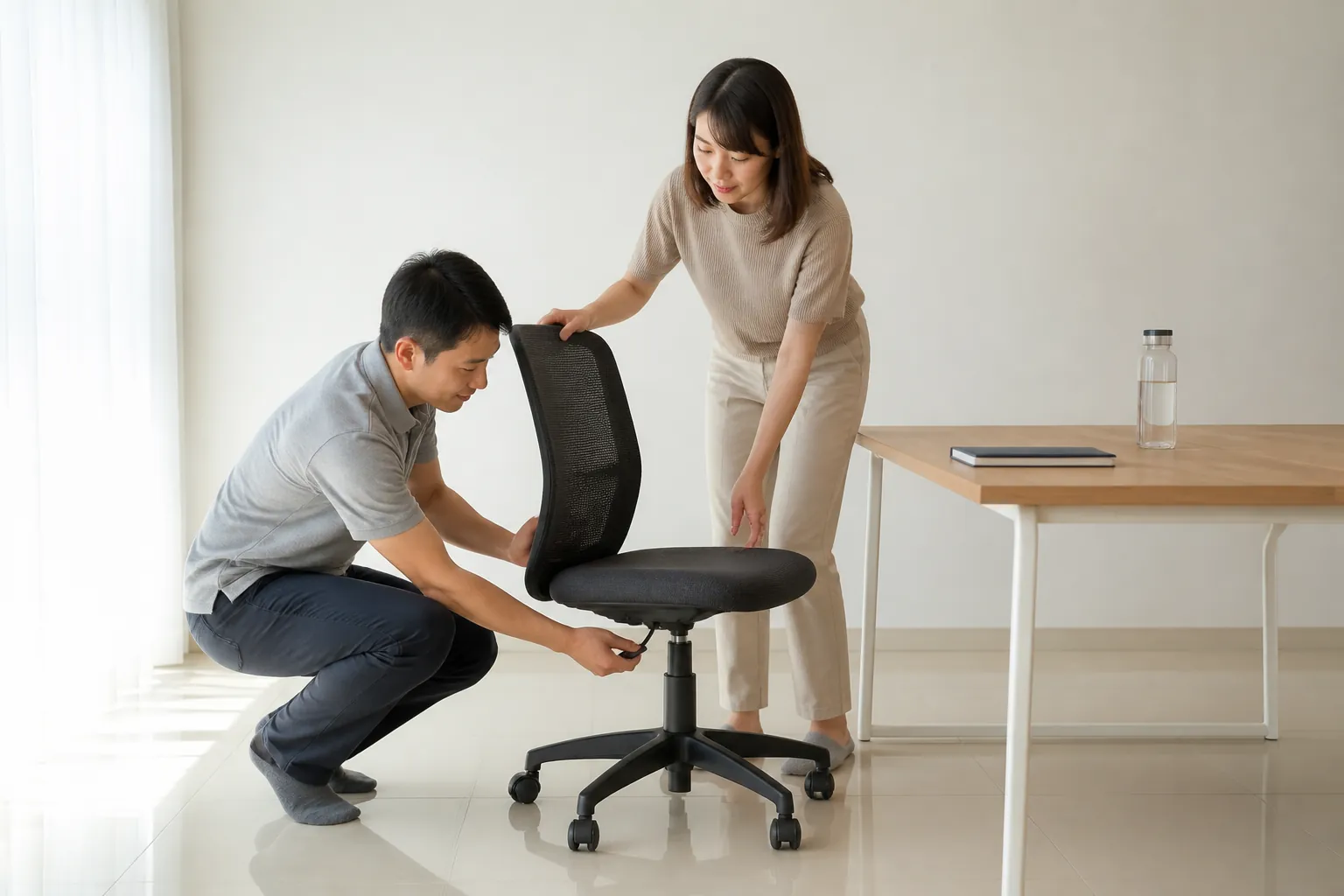
You’ve been working from home since 2020. Your “office” is the dining table. Your “chair” is a wooden dining chair with no lumbar support. Your laptop sits flat on the table, forcing your neck into 30 degrees of forward flexion for 8 hours a day. Your wrists are bent upward on the laptop keyboard. Your feet dangle because the dining chair is too high and there’s no footrest.
Three years in, you have chronic neck pain, intermittent numbness in your fingers, and lower back stiffness that doesn’t go away on weekends. You’ve seen a doctor. They prescribed painkillers and told you to “improve your posture.” You tried. You can’t maintain good posture on furniture designed for eating dinner, not working 8-hour days.
A 2022 survey by the Malaysian Employers Federation found that 67% of companies now offer some form of remote work. But less than 10% provide ergonomic support for home workers. The result: a generation of Malaysian workers developing preventable musculoskeletal disorders at their dining tables.
An OT home office assessment costs RM200-400 and fixes this problem permanently.
WFH pain? Get your setup assessed by an OT.
The Five WFH Setup Mistakes Malaysian Workers Make
1. The Laptop-on-Table Problem
Laptops are designed for portability, not for 8-hour workdays. When a laptop sits flat on a table:
- Screen too low: You look down 20-30 degrees, loading your neck muscles with 3-4 times the weight of your head. Your 5kg head effectively becomes 15-20kg of force on your cervical spine (research published in Surgical Technology International, 2014).
- Keyboard too high: Your wrists extend upward, compressing the carpal tunnel.
- No separation: You can’t fix the screen height without worsening the keyboard position, or fix the keyboard without making the screen worse.
OT fix: External keyboard and mouse (RM50-150 total), laptop stand or stack of books to raise screen to eye level (RM0-100). Total: RM50-250. This single change eliminates the two most common WFH injuries.
2. The Dining Chair Problem
Malaysian dining chairs are typically:
- Fixed height (no adjustment)
- No armrests
- No lumbar support
- Hard seat (no cushioning)
- Often too tall for the dining table when used with a laptop
OT fix options by budget:
| Budget | Solution | Cost |
|---|---|---|
| Under RM100 | Lumbar roll + seat cushion + footrest (box or books) | RM 50 – RM 100 |
| RM100-500 | Basic ergonomic office chair from local supplier | RM 200 – RM 500 |
| RM500-1,500 | Mid-range ergonomic chair with adjustable lumbar, arms, height | RM 500 – RM 1,500 |
An ergonomic chair is the single most important WFH investment. But a RM50 lumbar roll on your dining chair is infinitely better than nothing.
3. The Sofa Office
Some workers have graduated from the dining table to the sofa, which is worse. Working on a sofa produces:
- Extreme spinal flexion (C-shaped spine)
- Laptop on thighs (heat + poor angle)
- No wrist support (typing on a soft, unstable surface)
- Hip flexor tightening from prolonged deep sitting
OT recommendation: Never work from a sofa. If your only options are the dining table and the sofa, the dining table with modifications wins every time.
4. No Movement Breaks
In an office, you naturally move: walking to meetings, going to the pantry, chatting at a colleague’s desk. At home, you can work for 3-4 hours without standing up. A 2021 study in the International Journal of Environmental Research and Public Health found that home workers sit 2 hours more per day than office workers.
OT fix: The 30-30-30 rule:
- Every 30 minutes: shift position, stretch in your chair
- Every 60 minutes: stand for 2 minutes, walk around the room
- Every 90 minutes: take a 5-10 minute active break (walk, stretch, household chore)
Use a phone timer. The OT can prescribe specific stretches for your problem areas, neck, wrists, lower back, hip flexors.
5. The Lighting Problem
Malaysian homes often have poor task lighting for desk work. Working in dim light or with screen glare from windows causes:
- Eye strain (leading to forward leaning to see the screen, neck load)
- Headaches
- Fatigue
OT fix: Position the desk perpendicular to the window (not facing it and not with the window behind you). Add a desk lamp (RM30-80) with cool white light directed at your work surface, not at the screen.
Book a home office ergonomic assessment
The OT Home Office Assessment
The OT visits your home (or conducts a video assessment) and evaluates:
- Current setup measurement: Desk height, chair height, screen distance, screen angle, keyboard position, all measured against your body dimensions
- Posture analysis: How you actually sit while working, not how you sit when someone is watching
- Pain correlation: Which setup factors are producing which symptoms
- Budget-appropriate solutions: Starting with RM0 changes (repositioning), then low-cost additions, then equipment recommendations
- Movement programme: Specific stretches and exercises for your identified risk areas
- Follow-up check: After modifications, a review to verify the changes are working
Cost
| Service | Cost |
|---|---|
| In-home ergonomic assessment | RM 200 – RM 400 |
| Video assessment (remote) | RM 150 – RM 300 |
| Follow-up check (in-person or video) | RM 100 – RM 200 |
| Employer-arranged group assessments | RM 100 – RM 200/person |
What You Get
A written report with:
- Annotated photos of your current setup with identified problems
- Specific product recommendations with links for Malaysian purchase (Shopee, Lazada, local suppliers)
- Setup instructions with measurements
- Exercise programme illustrated with photos or video
- Before-and-after comparison at follow-up
Can Your Employer Pay for This?
Under OSHA 1994, employers have a duty of care even for remote workers. While the law hasn’t been explicitly updated for WFH, several Malaysian companies now provide:
- Ergonomic equipment allowances (RM500-2,000)
- Company-purchased chairs and monitors for home use
- Employer-funded ergonomic assessments
If your company doesn’t offer this, present the business case: an ergonomic assessment costs RM300. One MC day costs the company RM200-500 in lost productivity. One SOCSO claim costs thousands.
Frequently Asked Questions
Is a standing desk worth the investment? A standing desk helps if you alternate between sitting and standing throughout the day, not if you stand all day (standing all day creates different problems). Electric sit-stand desks cost RM800-3,000 in Malaysia. A more affordable option: a desktop converter (RM200-600) that sits on your existing desk.
I only work from home 2 days a week. Is an assessment worth it? If you have pain, yes, even 2 days per week of poor ergonomics contributes to cumulative injury. If you have no pain, basic self-adjustments (laptop stand, external keyboard) are sufficient without a formal assessment.
What if I live in a smaller city without many OTs? Home-visit OTs cover wider catchments than most people realise, many KL-based therapists travel to Seremban, Melaka, and Ipoh; Penang OTs cover Perak and Kedah. WhatsApp us with your postcode and we will route you to a therapist whose catchment includes your area. A travel surcharge applies for locations outside the standard catchment and is disclosed before booking.
Your Dining Table Doesn’t Care About Your Spine. An OT Does.
WFH pain isn’t inevitable. It’s the predictable result of working 8 hours daily on furniture built for 30-minute meals. A one-time OT assessment and a few hundred ringgit in equipment changes eliminate the problem permanently.
Chat with us on WhatsApp to book a home office ergonomic assessment, anywhere in Malaysia.